

Programs
How to create a multi-day fitness program (like a 30-day challenge)
Sequal Team · 20 May 2026 · 4 min read
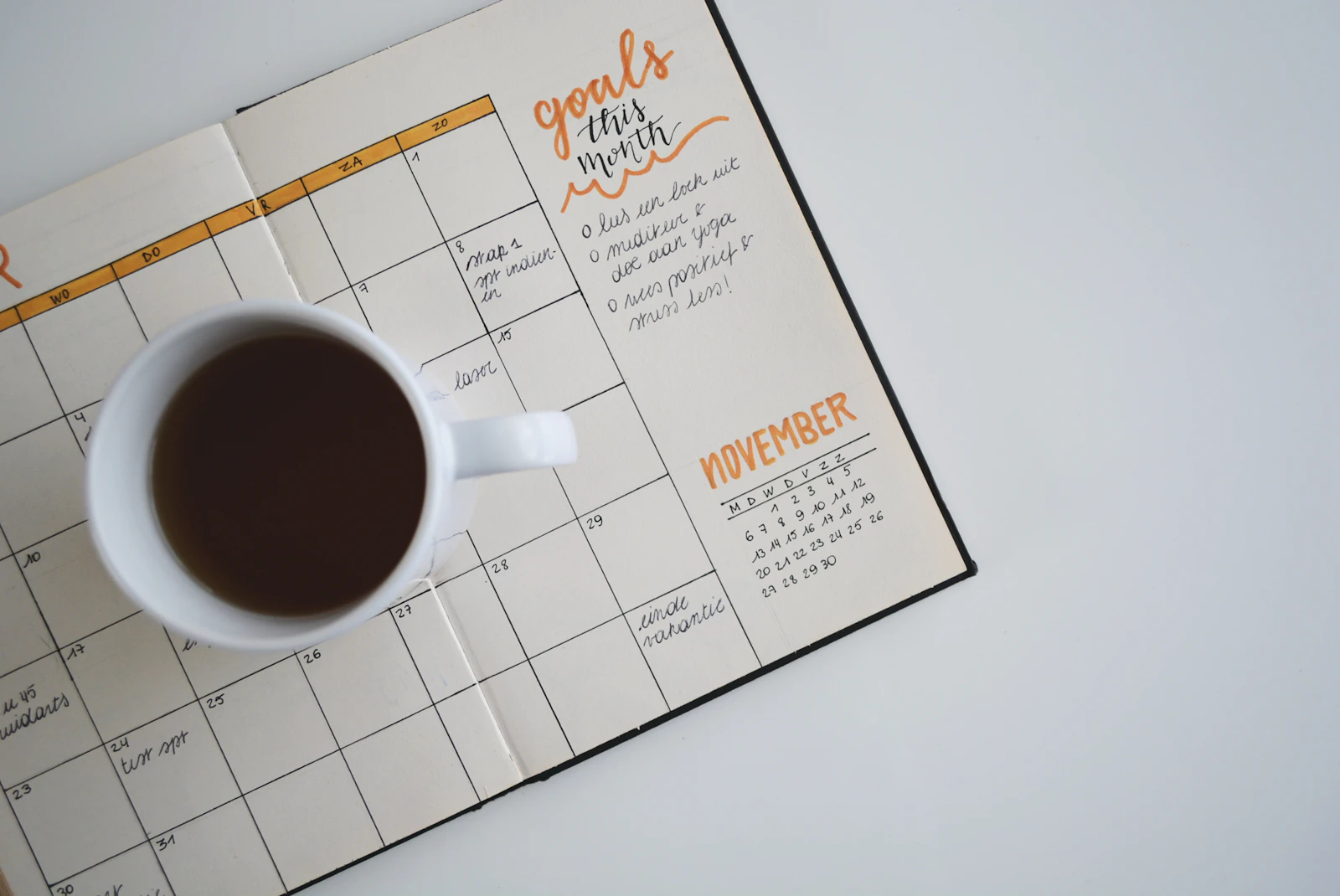
A one-off workout is easy to skip. A program — a plan that tells you what to do each day — is what turns good intentions into a habit. Sequal’s Planner lets you build multi-day programs for fitness, yoga or breathing, then track your way through them.
Plan the structure first
Before you build, sketch the shape of your challenge. For a 30-day plan you might alternate:
- Day 1 — full-body circuit
- Day 2 — mobility + breathing
- Day 3 — yoga flow
- Day 4 — rest or gentle stretch
- …and repeat, ramping up over the month.
Build the reusable pieces
Programs are made of the building blocks you already have. Create your activities, bundle them into groups (warm-up, circuit, cooldown), and arrange them into sequences for each session. Because everything is reusable, you assemble a month from a handful of pieces.
New to the building blocks? Start with Groups, sequences & programs.
Create the program
- Open the Planner tab and tap Create your first program.
- Choose a length — 7, 14 or 30 days, or a custom duration.
- For each day, add the sequence, group or activities to do.
- Save it.
Follow it day by day
Each day, open the program, play that day’s session, and Sequal logs your progress. Seeing the days tick by is half the motivation.
Make it portable
Your program is yours. Export it as a single .fitpack file to back
it up, move it to another device, or share the whole challenge with a friend so you can do it together.
Open Sequal and plan your first program.